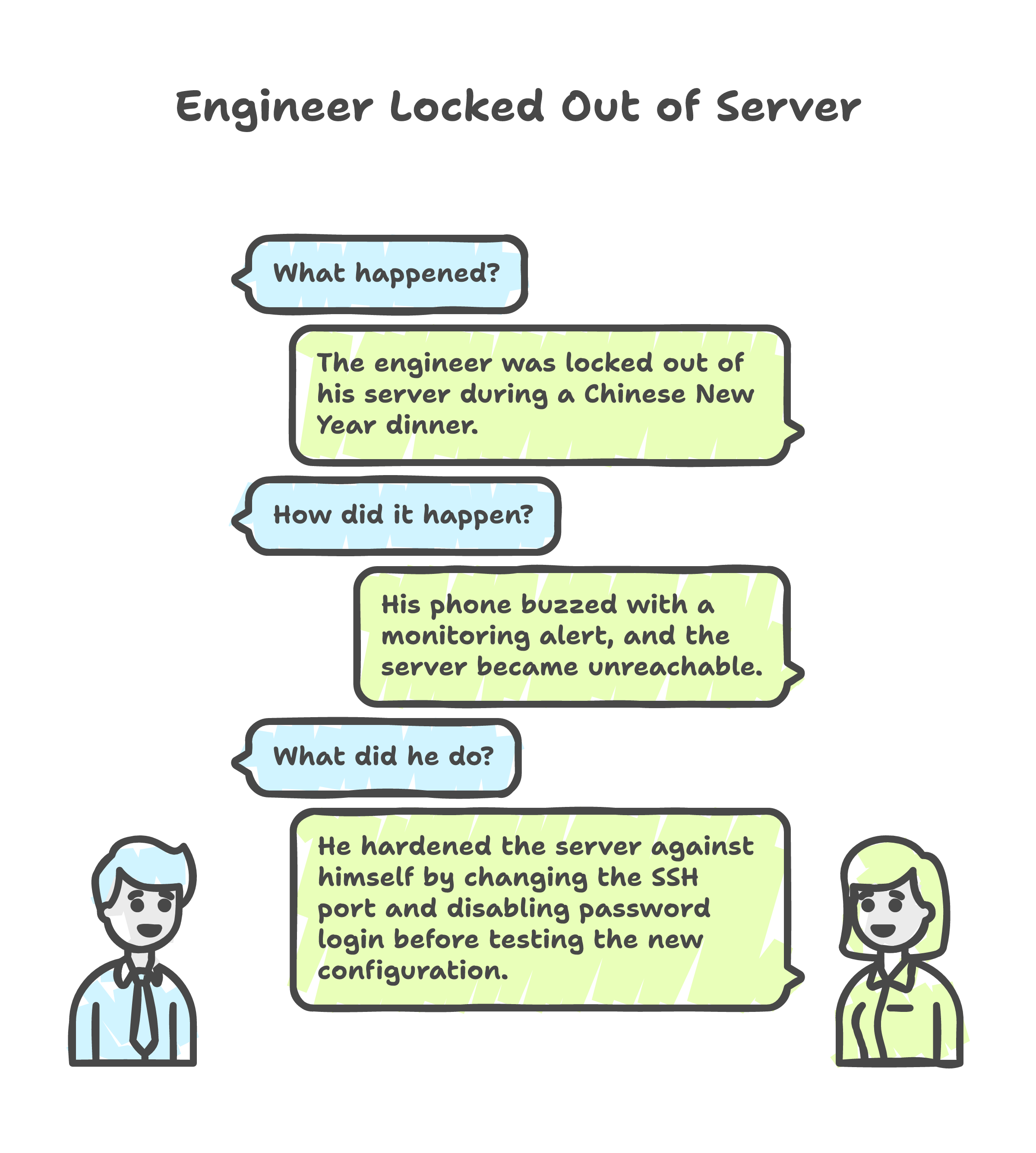
Chinese New Year reunion dinner. My phone buzzes. A monitoring alert -- the Contabo VPS I had been hardening for a client is unreachable. I excuse myself from the table, open a terminal on my laptop, and type ssh root@.... Connection refused.
I had changed the SSH port, enabled key-only authentication, and restarted the service. In that order. The problem: I had not tested the new port from a second session before killing password login. The server was hardened alright -- hardened against me.
The Pattern Behind Every Lockout
That was the first lockout. It was not the last. By the time I finished this engagement, I had locked myself out three times, re-provisioned the entire server three times, and built an Ansible playbook that made all of it painless. The lockouts were the best thing that happened to this project.
Why I Was Hardening a Server During a Holiday
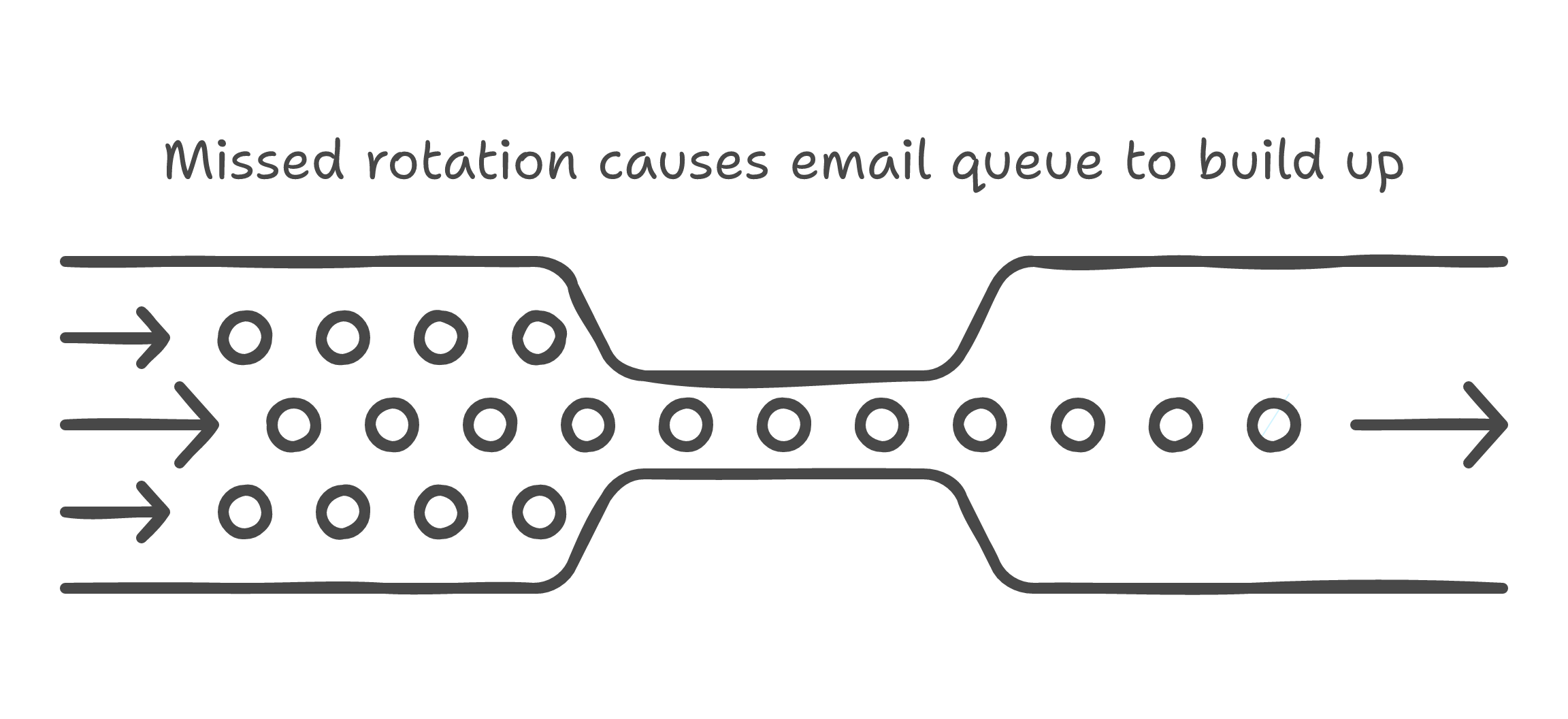
A debt collection agency was sending 100,000 payment reminder emails per week through 60+ manually-rotated Gmail Workspace accounts. One operator's vacation meant one missed rotation, which meant thousands of reminders stuck in a queue overnight. They needed automation, and that automation needed a server.
I procured a Contabo VPS -- bare Ubuntu 24.04, nothing installed, exposed to the internet. Before I could deploy anything useful, the machine needed hardening: SSH lockdown, firewall rules, intrusion prevention, Docker, monitoring. The kind of work that feels straightforward until it is not.
The first time, I did it by hand. That was the mistake.
Three Lockouts, Three Lessons
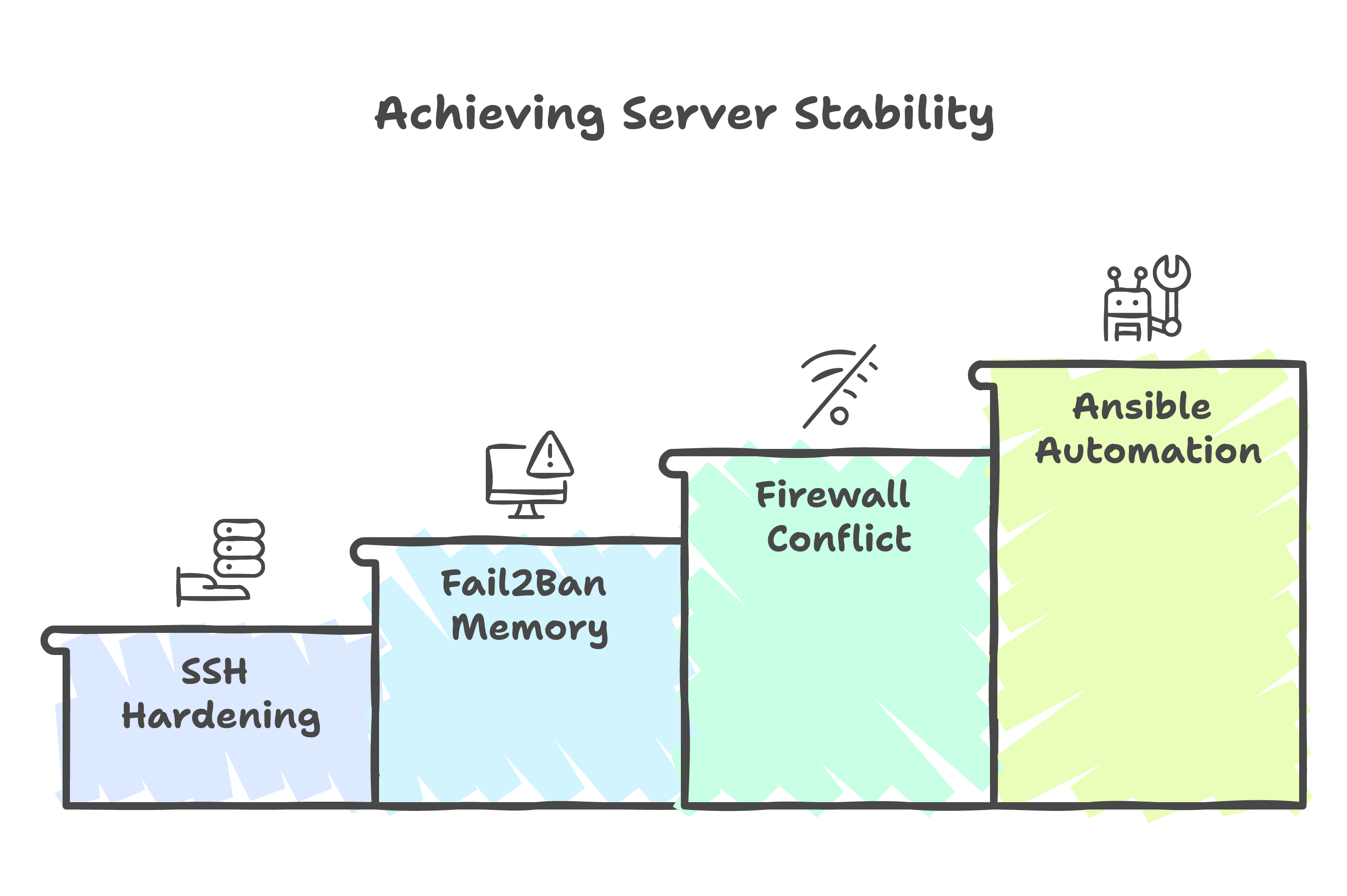
Lockout 1: SSH Hardening Without a Safety Net
The classic. I changed the SSH port from 22 to a non-standard one, switched to key-only authentication, and restarted sshd. My existing session stayed alive (SSH does not kill active connections on restart), so I assumed everything was fine. I closed the laptop to go back to dinner.
The next morning, my new connection attempt hit Connection refused. The key was not in the right path for the new port configuration. No password fallback. No console access configured.
Lesson: Never disable a login method until you have verified the replacement works from a fresh session.
Lockout 2: fail2ban's Undocumented Memory
After re-provisioning, I configured fail2ban with an ignoreip whitelist to protect my own IP from bans. Worked perfectly -- until a service restart. fail2ban reloaded its database of previous bans, and because I had not set dbpurgeage=1d, stale ban entries bypassed the ignoreip whitelist entirely.
I was banned by my own intrusion prevention system. The fix is a single line in the configuration, but the behaviour is not documented in any obvious place. I found it buried in a GitHub issue after thirty minutes of searching from my phone.
fail2ban dbpurgeage
Lockout 3: UFW vs Docker's iptables
The firewall role was the last piece. I enabled UFW mid-provisioning, after Docker was already running. Docker manages its own iptables rules for container networking. UFW and Docker both write to the same iptables chains, and enabling UFW after Docker creates conflicts that can silently break container networking or, worse, expose ports you thought were blocked.
The fix was simple in hindsight: run the firewall role last, after everything else is configured and tested. Sequencing solved what configuration alone could not.
Firewall Last, Always
Eight Roles, One Command
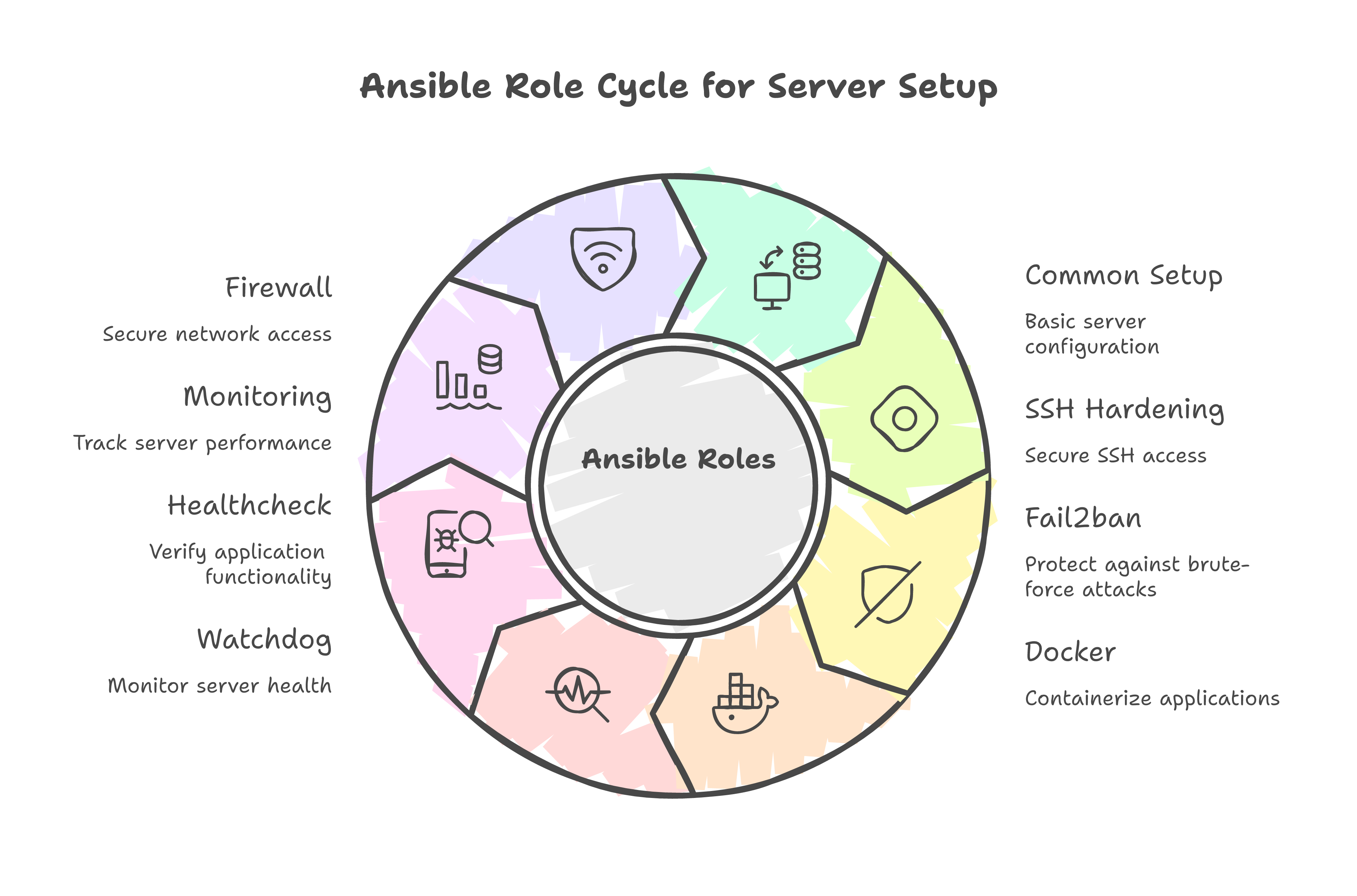
After the third lockout, I stopped doing things by hand. Every manual step became an Ansible task. Every ordering lesson became a role dependency. The result: eight idempotent roles that take a bare Ubuntu 24.04 VPS to production-ready.
roles:
  - common           # Base packages, timezone, NTP
  - ssh_hardening    # Non-standard port, key-only, verify before disabling password
  - fail2ban         # Intrusion prevention with dbpurgeage and ignoreip
  - docker           # Docker CE, compose plugin, daemon config
  - watchdog         # Process health checks, auto-restart policies
  - healthcheck      # HTTP health endpoints for external monitoring
  - monitoring       # Uptime Kuma, Dozzle for container logs
  - firewall         # UFW rules -- always last
The ordering encodes every lesson from the lockouts. The SSH role verifies the new port with key authentication before disabling password login -- that verification step exists because of Lockout 1. The fail2ban role sets dbpurgeage because of Lockout 2. The firewall role runs last because of Lockout 3.
Every role is idempotent. Running the playbook twice produces the same result as running it once. This matters more than it sounds -- it means a failed run can be retried safely, and a working server can be re-hardened without fear.
Idempotency Is Not a Feature, It Is a Survival Trait
Three Re-Provisions, Same Result
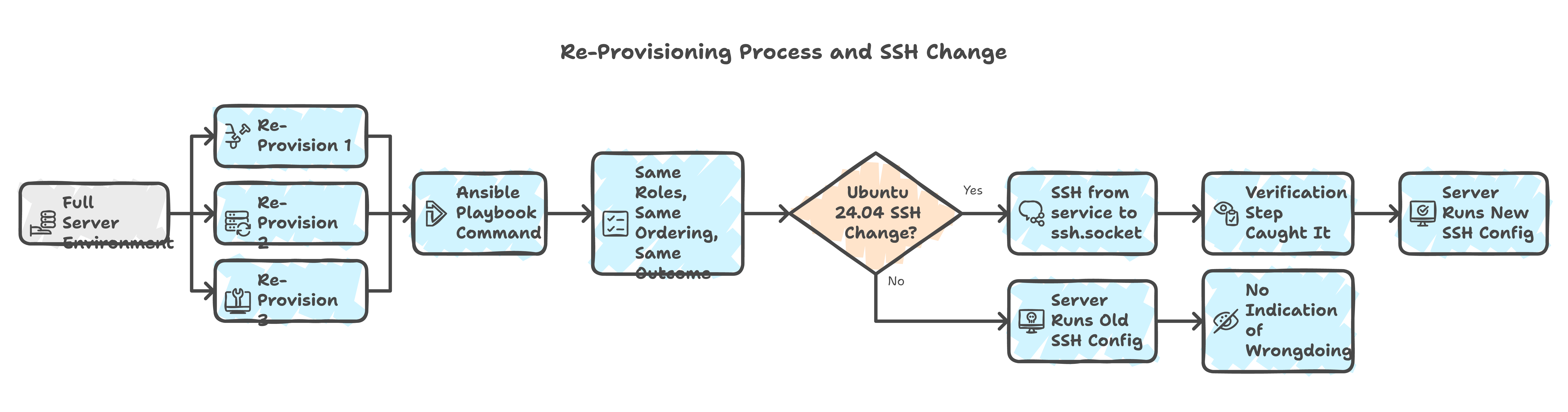
The full environment was re-provisioned three times during this engagement. Two VPS migrations and one OS reinstall. Each time, I ran a single ansible-playbook command and walked away. Same roles, same ordering, same result.
The second migration revealed a hidden dependency: Ubuntu 24.04 changed how SSH starts. The service unit shifted from ssh to ssh.socket via systemd socket activation. My Ansible handler that restarted service: name=ssh worked on 22.04 but failed silently on 24.04. The SSH service appeared to restart, but the socket activation meant the old configuration persisted.
I only caught it because the playbook's verification step -- the one I added after Lockout 1 -- flagged that the new port was not responding. Without that check, I would have had a server running with the old SSH configuration and no indication that anything was wrong.
- name: Verify SSH on new port before disabling password auth
  wait_for:
    port: "{{ ssh_port }}"
    host: "{{ ansible_host }}"
    timeout: 10
  delegate_to: localhost

- name: Disable password authentication
  lineinfile:
    path: /etc/ssh/sshd_config
    regexp: "^#?PasswordAuthentication"
    line: "PasswordAuthentication no"
  when: ssh_verification_passed
That verification task is the most important line in the entire playbook. It exists because of a lockout during Chinese New Year.
What the Lockouts Taught Me
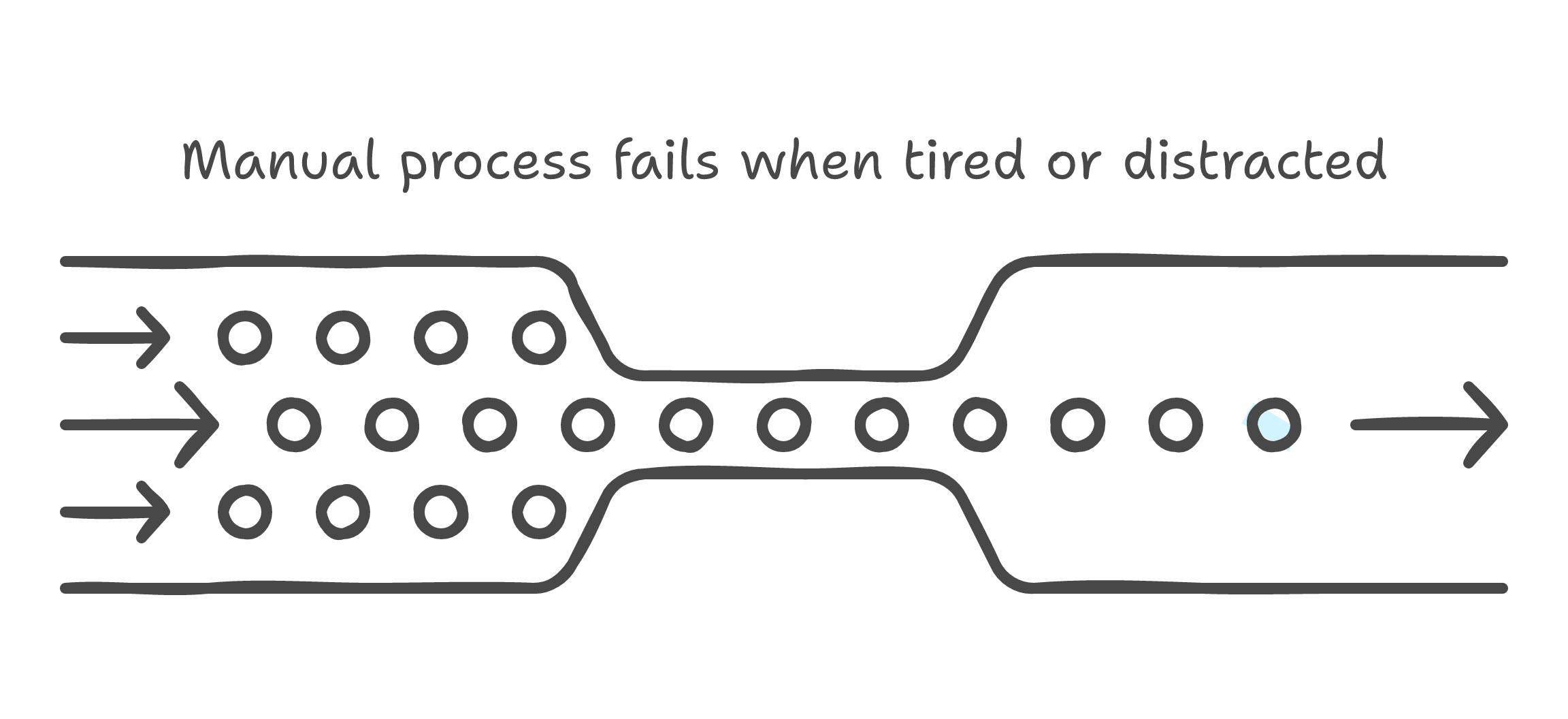
I could have avoided every lockout by being more careful. But "be more careful" is not a system. It is a wish. Systems beat discipline every time, because systems work when you are tired, distracted, or eating reunion dinner.
The Ansible playbook is a system. It encodes every lesson as a task, every ordering constraint as a dependency, every verification as a check. When I provision a new server six months from now, I will not need to remember that fail2ban has a database persistence quirk or that UFW fights with Docker. The playbook remembers for me.
The fewer moving parts a system has, the fewer ways it fails at 2 a.m. And the fewer things you need to remember during Chinese New Year dinner.
Building for disposability changed how I think about infrastructure. A server that can be replaced in one command is a server you do not need to be precious about. Every fix becomes a playbook change, not an SSH session. Every configuration becomes version-controlled, reviewable, repeatable.
The three lockouts were frustrating in the moment. But each one hardened the playbook that made every subsequent provisioning run bulletproof. Pain drove the engineering. The engineering outlasted the pain.
If you are provisioning VPS instances and still doing it by hand, the first lockout will convince you to start automating. If you are lucky, it will happen during a holiday -- when the inconvenience is sharp enough to make the lesson stick.