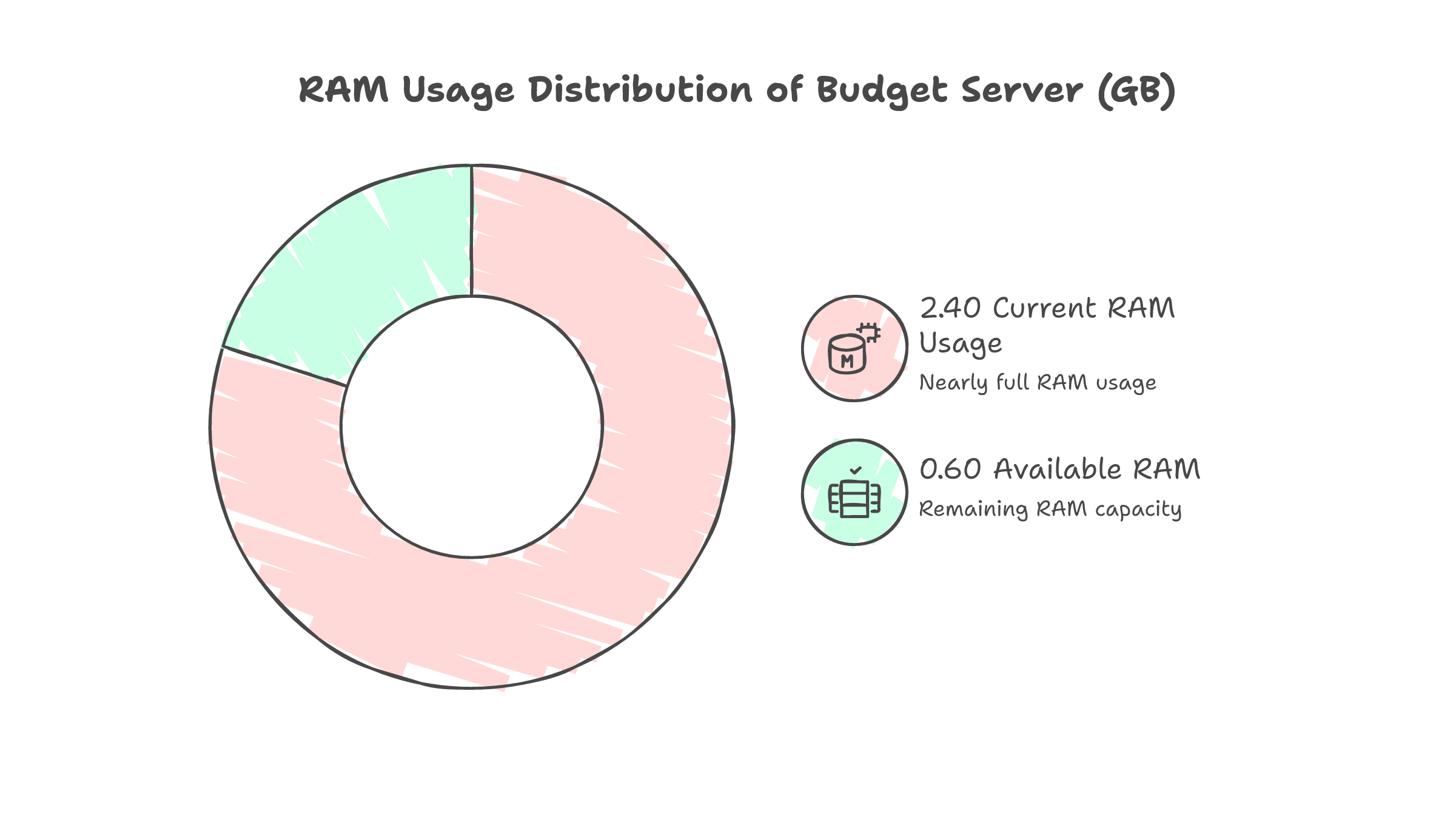
$1.55 per month. Five Docker containers. One server with 2.4GB of RAM.
That is the production infrastructure running my entire side project -- invoicing, proposals, CRM, project tracking, expense management, contracts with e-signing, timesheets, and financial reports. Live on the internet, protected by Cloudflare Zero Trust, backed up daily.
No Vercel. No Railway. No managed anything.
This is a sequel to my Ansible lockout story, where three lockouts during Chinese New Year taught me to automate VPS hardening. That post ended with a hardened server and nothing running on it. This post picks up where that left off.
The Bet
The app is Hustle OS -- a Next.js app backed by PostgreSQL, MinIO for S3 storage, and Documenso for digital signatures. It runs fine locally. The question was whether it could run on a $18.66/year RackNerd VPS with 2.4GB RAM.
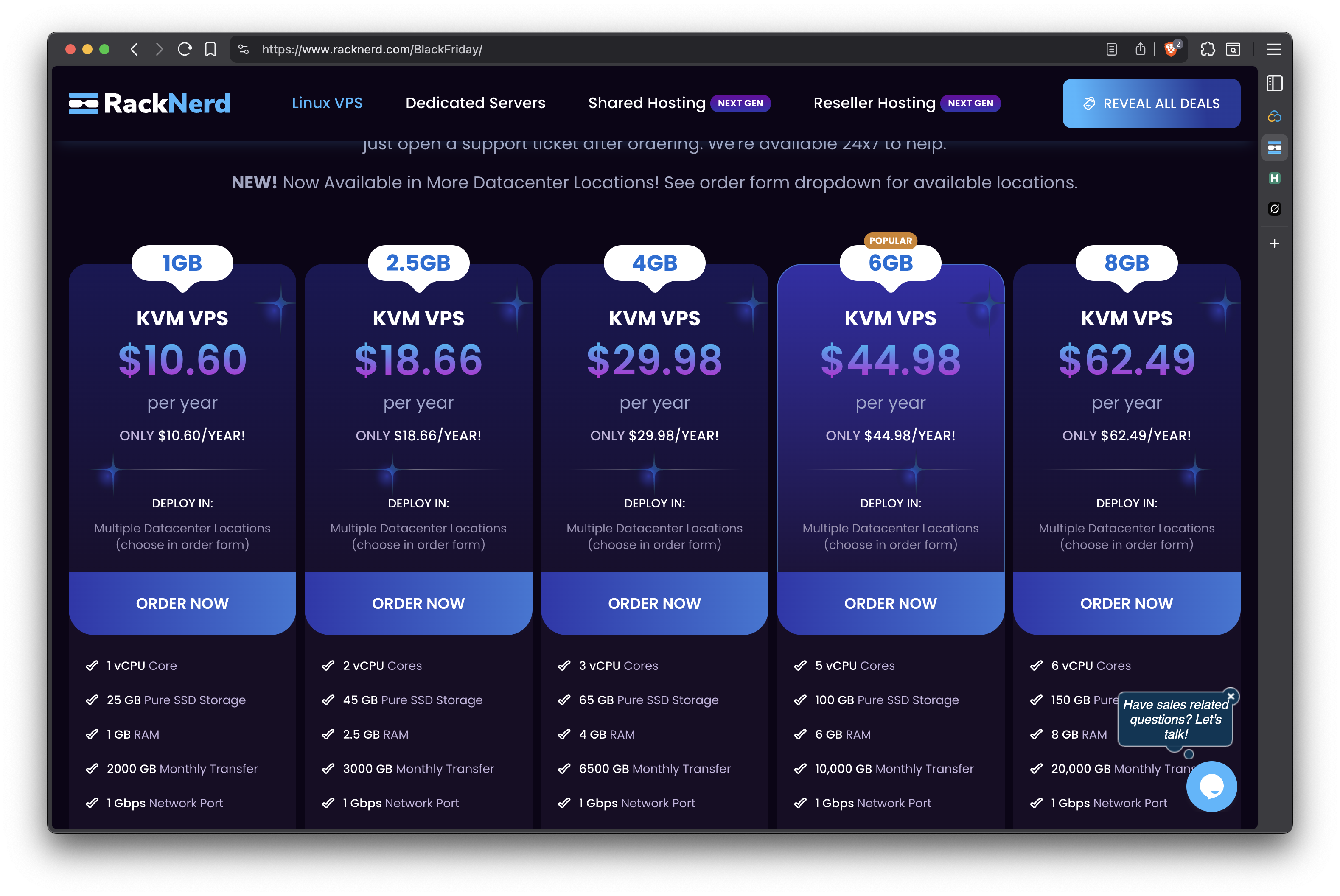
The $18.66/year plan, second from left. 2 vCPU cores, 45GB SSD, 2.5GB RAM, 3TB transfer.
Here is what needed to fit:
| Service | What It Does | Memory Budget |
|---|---|---|
| Next.js | The app itself | 256 MB |
| PostgreSQL 16 | Database | 256 MB |
| MinIO | S3-compatible file storage | 128 MB |
| Documenso | Document e-signing | 256 MB |
| Cloudflared | Tunnel daemon | ~30 MB |
The math does not work on paper. It works in practice -- barely -- with careful tuning.
The Bugs Nobody Warns You About
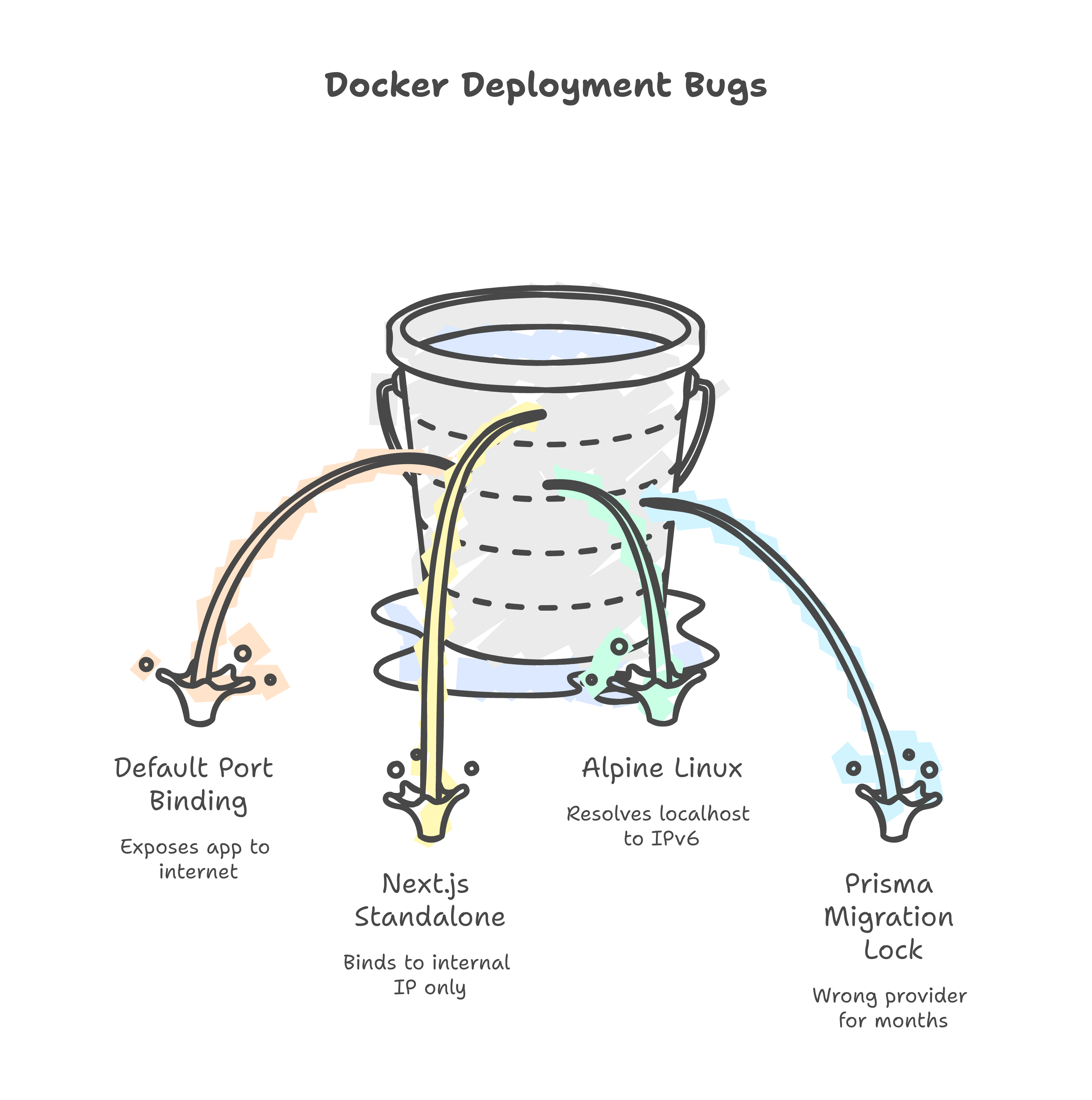
Docker exposes your app to the entire internet by default
After docker compose up, I opened http://<vps-ip>:3002 in a browser. The dashboard loaded. No authentication. No tunnel. Just raw, public access.
Docker's default port mapping binds to 0.0.0.0. If you are routing through Cloudflare Tunnel, this defeats the entire purpose.
# Before (exposed to the world)
ports:
  - "3002:3002"

# After (only accessible via tunnel)
ports:
  - "127.0.0.1:3002:3002"
One line. Easy to miss. Potentially catastrophic.
Next.js standalone does not listen where you expect
Healthcheck failed. Container showed "unhealthy." The fix took two hours to find.
Next.js standalone mode binds to the container's internal Docker IP (172.19.0.4), not 0.0.0.0. Inside the container, nothing is listening on localhost.
ENV HOSTNAME=0.0.0.0
CMD ["node", "server.js"]
One environment variable. Not in the Next.js docs. Found it in a GitHub issue.
Alpine Linux resolves localhost to IPv6 first
Even after fixing the binding, the healthcheck still failed. The wget command was hitting ::1 (IPv6 loopback) instead of 127.0.0.1.
This never happens on macOS. It only happens in Alpine-based Docker images -- which is most of them.
# Broken (Alpine resolves to ::1)
test: ["CMD", "wget", "--spider", "http://localhost:3002/api/v1/health"]

# Fixed (explicit IPv4)
test: ["CMD", "wget", "--spider", "http://127.0.0.1:3002/api/v1/health"]
A one-line config file broke production after months of working locally
Prisma's migration_lock.toml still said provider = "sqlite" from before I migrated to PostgreSQL. Months ago. Locally, Prisma never checks this file. In production with prisma migrate deploy, it is enforced.
A one-line file. Sat wrong for months. Invisible until the first real deployment.
Cloudflare Tunnel: Free Reverse Proxy, Zero Config
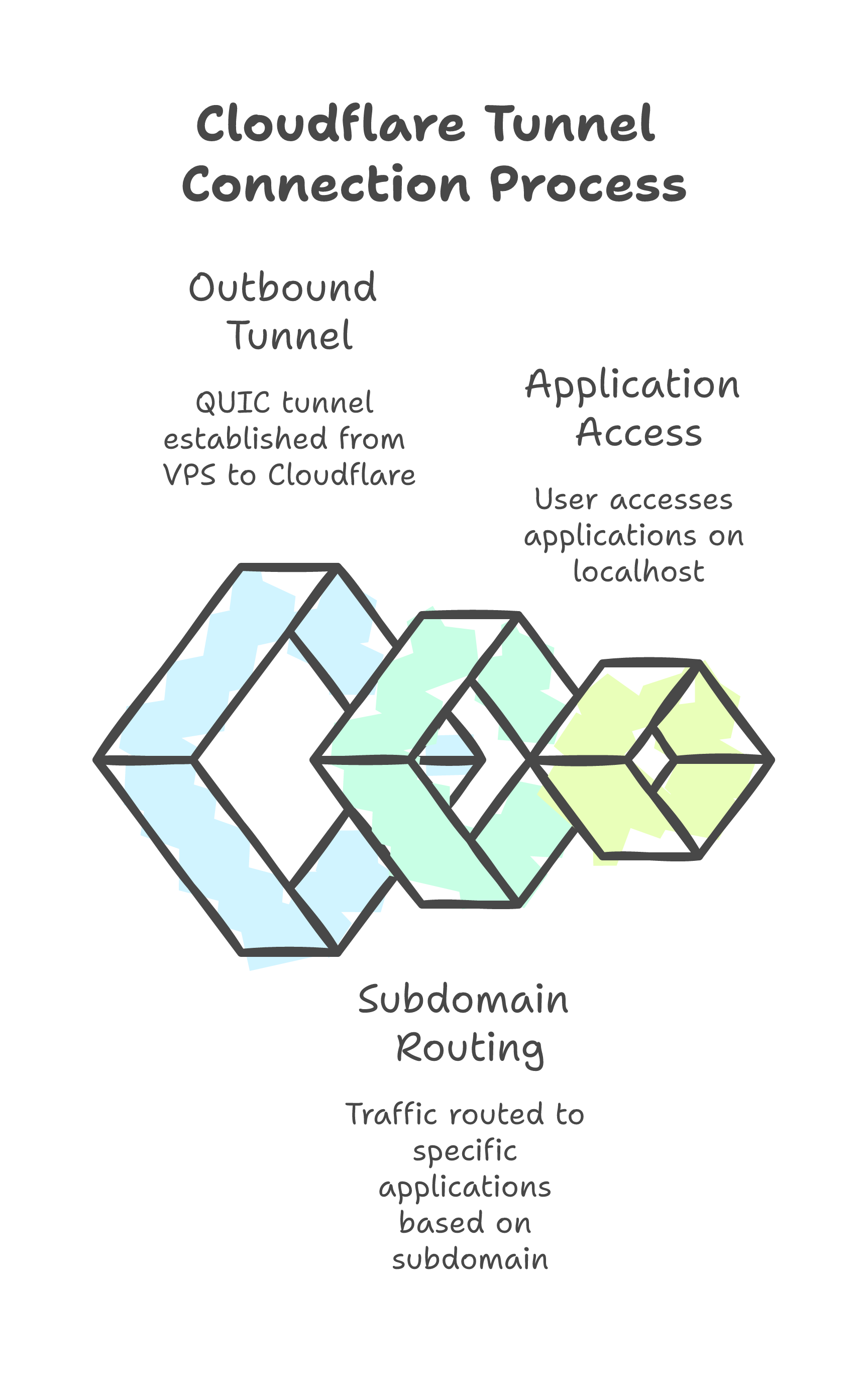
No nginx. No SSL certificates. No inbound ports.
Cloudflare Tunnel makes an outbound connection from the VPS to Cloudflare's edge. Traffic flows: user -> Cloudflare -> tunnel -> localhost:3002. The VPS does not even need ports 80 or 443 open.
ingress:
  - hostname: app.weeai.dev
    service: http://127.0.0.1:3002
  - hostname: sign.weeai.dev
    service: http://127.0.0.1:3003
  - service: http_status:404
Two subdomains. One systemd service. Full TLS and DDoS protection. Cost: $0.
Zero Trust on the free plan has a catch
The app serves both protected pages (dashboard) and public pages (invoice previews that clients open). Cloudflare Zero Trust's free plan limits each application policy to 5 path rules.
I have 9+ public paths.
The workaround: create multiple Zero Trust applications, each covering a subset of paths. Not elegant. Works perfectly.
Squeezing 5 Containers Into 2.4GB
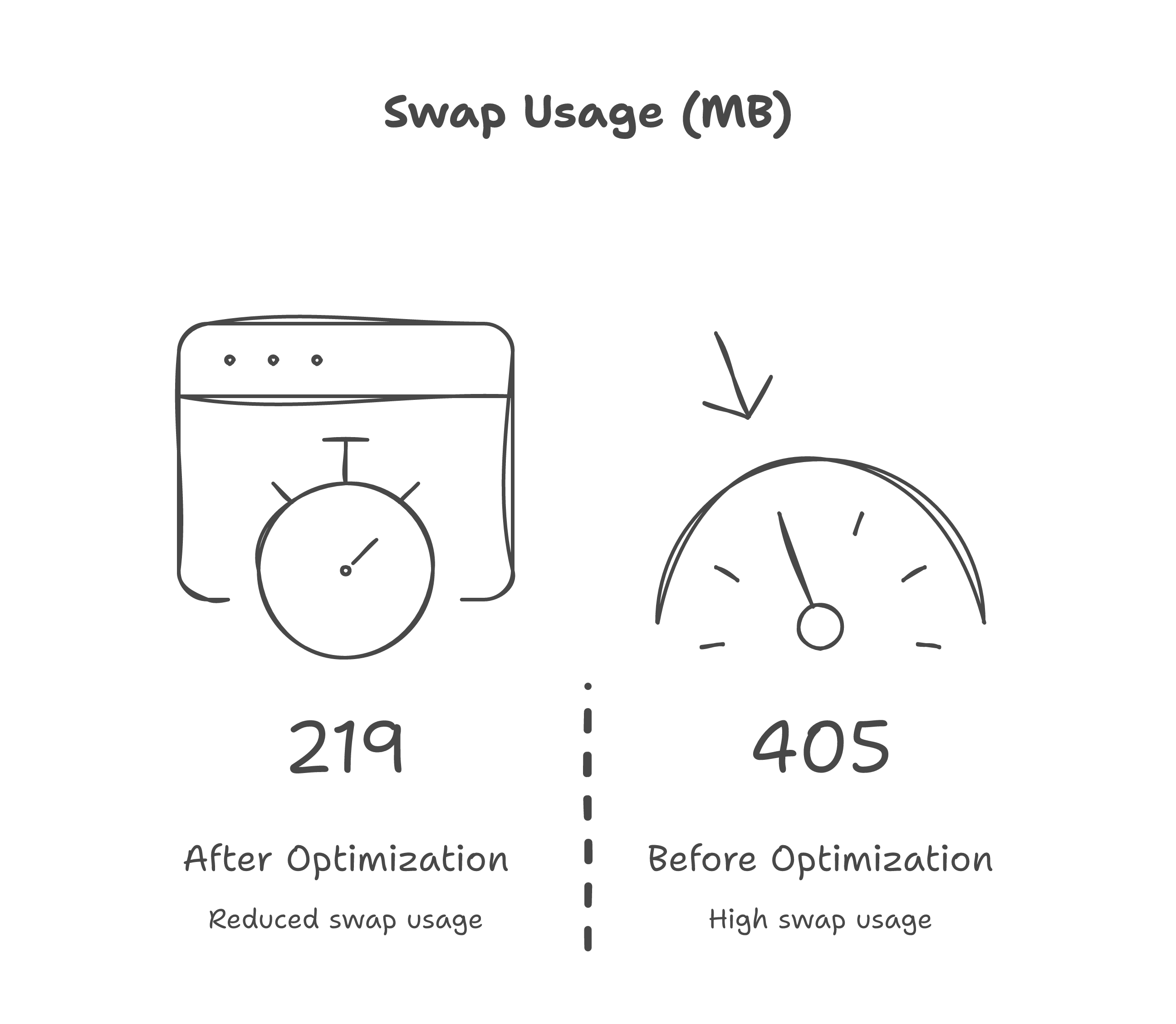
After deployment, the app felt sluggish. The diagnosis was immediate:
405 MB of swap in use. The kernel was reading from disk on every page load.
The culprits:
vm.swappiness=60-- Linux was aggressively pushing to swap- MinIO using 130 MB of RAM to store 4 MB of files
- Documenso capped at 512 MB when it only needed 256 MB
Three changes:
- Kernel:
vm.swappiness=10,vm.vfs_cache_pressure=50 - Containers: MinIO 256M -> 128M, Documenso 512M -> 256M, PostgreSQL shared_buffers 64M -> 32M
- App: gzip compression (101KB pages -> 19KB), immutable cache headers on static assets
Swap dropped from 405 MB to 219 MB. Pages loaded noticeably faster.
The Final Architecture
Internet
    |
Cloudflare Edge (HKG)
    |  (outbound tunnel, QUIC)
VPS (Buffalo, NY) -- $18.66/yr
    |
    +-- app.weeai.dev --> Next.js (256M)
    +-- sign.weeai.dev --> Documenso (256M)
    +-- PostgreSQL (256M) + MinIO (128M)
    |
Zero Trust: dashboard protected, client-facing pages public
Cron: auto-transition overdue invoices (6h), daily DB backup (30-day retention)
The Numbers
| Metric | Value |
|---|---|
| Monthly cost | $1.55 (VPS) + $0 (Cloudflare) |
| Containers running | 5 + cloudflared |
| RAM used | ~550 MB containers, ~200 MB swap |
| Internal response time | 20ms |
| Response through Cloudflare | ~300ms (Malaysia to US) |
| Deployment | git pull && docker compose build app && docker compose up -d |
The 300ms is the speed of light from Malaysia to Buffalo, NY. The app itself responds in 20ms. If latency matters, the fix is a Singapore VPS -- not more optimization.
What PaaS Hides From You
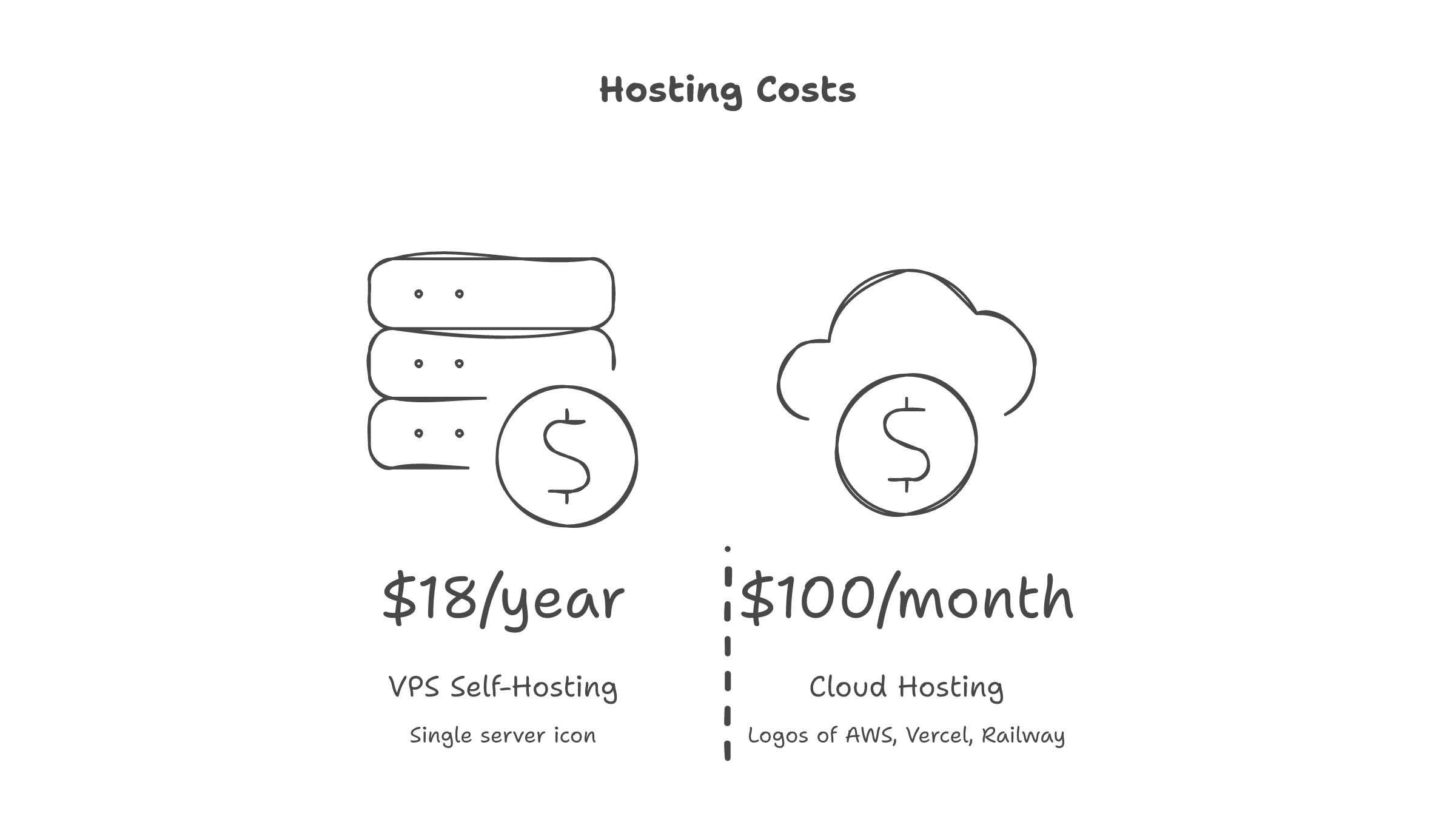
On Vercel, I would have run git push and gotten a URL. I would not have learned:
- Docker's default port binding is
0.0.0.0, not localhost - Alpine resolves
localhostto IPv6 first - Next.js standalone binds to the container IP, not all interfaces
vm.swappiness=60causes perceptible latency on constrained servers- MinIO allocates 130MB of cache for 4MB of data
- Cloudflare Zero Trust has a 5-path limit per application on free tier
These are the lessons that exist in the gap between "it works on my machine" and "it works on the internet."
Should You Do This?
If you are building a SaaS for thousands of users -- use a managed platform. The operational overhead is not worth it.
If you are a solopreneur running a tool for yourself and a handful of clients -- a $18.66/yr VPS with Cloudflare Tunnel is absurdly cost-effective. You own every layer. When something breaks, you know exactly where to look.
The Ansible playbook hardens the server. Docker Compose runs the app. Cloudflare routes the traffic. Cron handles maintenance.
Total monthly cost: less than a cup of coffee.
The real cost is the education. And that is the point.